

Applies to: Web
Who can use this: Accounts enrolled in the Ambassador program
Share your personal referral link and check the signups, Letterloops, and subscriptions attributed to it.
Open the Ambassador page
Sign in to Letterloop on the web.
From any Letterloop dashboard, select More, then 🏅 Ambassador.
Note: If Ambassador is not in the More menu, the program is not enabled for that account.
Copy and share your referral link
On the Copy Link card, select Copy.
Wait for Link copied!, then send the link directly to the person you want to invite.
Ask them to open your link before creating their Letterloop account so Letterloop can attribute the referral.
Expected result: The referral link is copied to your clipboard and the invited person sees the Letterloop referral page.
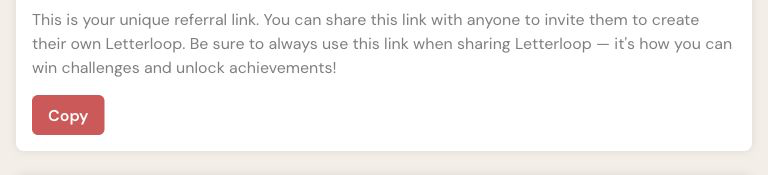
On the Ambassador page, select Copy below your referral link. The link itself is omitted from this screenshot.
Review referral activity
Return to More → 🏅 Ambassador.
Check My Referrals. When activity exists, Letterloop can show this-month and all-time counts for members joined, Letterloops created, and Letterloops subscribed.
Categories with no recorded activity may be absent. If no tracked activity exists yet, Letterloop shows a getting-started message instead of counts.
If copying or tracking does not work
If you do not see Link copied!, select the link field and copy it manually.
Confirm the invited person opened your referral link before creating their account.
Refresh the Ambassador page before checking My Referrals again.
If the problem continues, contact support with your account email and the referral link you used.