

Applies to: Web, iPhone/iPad, Android
Who can do this: Owner or admin
Change the title that members see across Letterloop. Letterloop Type, theme, and invitation note are separate settings.
Change the title on web
Open the Letterloop.
Select Settings in the sidebar.
Under Letterloop Title, enter the new title.
Select Save.
Return to Summary or Home and confirm the new title appears.
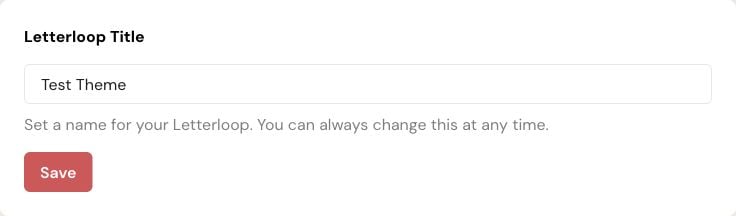
On web, edit the Letterloop Title field, then select Save.
Expected result: A “Letterloop title updated!” confirmation appears and the saved title refreshes across Letterloop.
Change the title on iPhone, iPad, or Android
Open the Letterloop.
Open Settings.
Select Title.
Edit the title and select Save.
Expected result: A saved confirmation appears and the Letterloop title refreshes.
Other Letterloop details
Letterloop Type is a separate setting. Choose Group for a collaborative Letterloop or From You for an owner-led newsletter. If changing to From You is blocked, change every non-owner Contributor to a Reader first.
Theme separately controls the logo, banner, colors, and other visual styling.
The invitation note is managed separately when you invite members.
What changes and what does not
The new title identifies the Letterloop in the product and future messages.
Changing the title does not change the Owner, Admins, member access, schedule, or billing.
Past Issue content remains in the same Letterloop.
If you cannot save
The title cannot be empty. Enter a title before selecting Save.
Confirm you are signed in as the Letterloop Owner or an Admin.
If another device still shows the old title, refresh or reopen the Letterloop before editing again.