Get back to your Dashboard by signing in with the same email address and sign-in method connected to your Letterloop account.
Applies to: Web, iPhone/iPad, Android
Who this is for: Anyone who cannot open their Letterloop account, regardless of whether they are an Owner, Admin, Contributor, or Reader.
Email magic link
Email and password
Password reset
Google sign-in where shown
Sign in with Apple where shown on web, iOS, and Android
Note: Letterloop does not send SMS login codes.
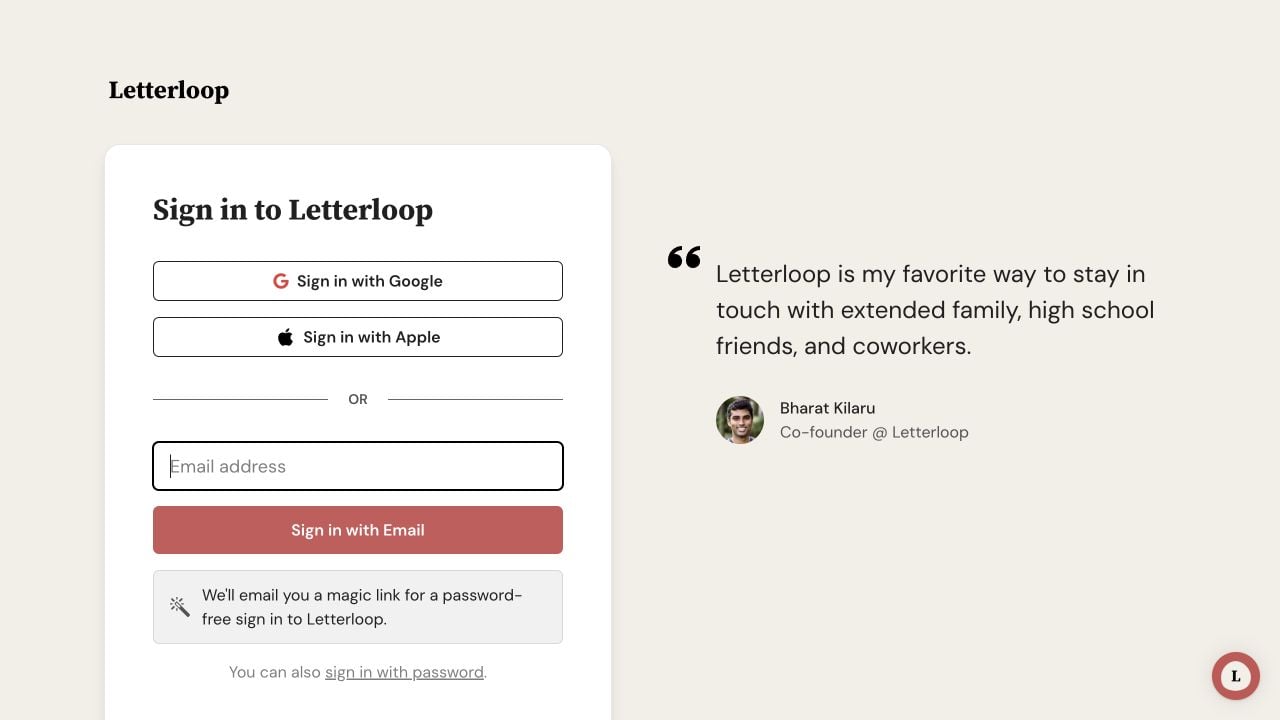
On web, choose the same method you used before: Google, Apple, an email magic link, or sign in with password for a password-based account.
Confirm that you are using the email address attached to your Letterloop membership. A different address can open a different account even when it belongs to you.
For a magic link, open the newest Letterloop email. If Letterloop asks for an address, enter the exact email that received the link and choose Sign in. If the link expired, was already used, or was opened with the wrong email, choose Request a new magic link and open the newest email.
For email and password, switch to the password option. On web, choose You can also sign in with password, then choose Forgot password? if you need a reset email.
If you normally use Google or Apple, choose the same provider again. Do not switch to a visible personal email when your Apple account uses Private Relay.
On iPhone/iPad or Android, open Letterloop in the App Store or Google Play and install Update if it is available, then reopen the app.
Expected result: Letterloop recognizes the existing account and opens its Dashboard. If onboarding opens instead, use the next section before creating anything new.
This screen means sign-in succeeded, but onboarding is not complete for the account that opened. The same recovery applies to Owners, Admins, Contributors, and Readers.
Check the email shown near the bottom of the screen.
If it is not the address you expect, choose sign out on web or Sign in to a different account on iPhone/iPad and Android. Then sign in again with the expected address or provider.
If the address is correct, enter your name and choose All done! to finish onboarding.
After onboarding, check the Dashboard. If Letterloops you previously joined are still missing, contact support before creating a duplicate account or Letterloop.
Expected result: Letterloop opens the Dashboard for the signed-in account after onboarding is complete.
If Sign in with Apple created a Private Relay email, continue with the same Apple identity. Using a visible personal email instead can create or open a different account.
Contact support with the email you expect to use, the platform, and the exact error. Do not send a password, reset link, or magic link.

